|
|||||||||||||||
 |
|
 |
|||||||||||||
 |
|
 |
|||||||||||||
 |
|||||||||||||||
| |
|||||||||||||||
|
|
|
|||||||||||||
|
|
|
|||||||||||||
|
|||||||||||||||
1. Part 새 문서 창 열기
File
-> New -> Part -> OK
2. Workbench는 Generative Shape Design
에서 시작한다.
Start -> Shape -> Generative Shape Design
3. Specifications Tree의 Part1에서 마우스
오른쪽 버튼을 누른다.
Contextual Menu의 Properties ->
Product -> Part Number
-> Surface EX01
-> OK
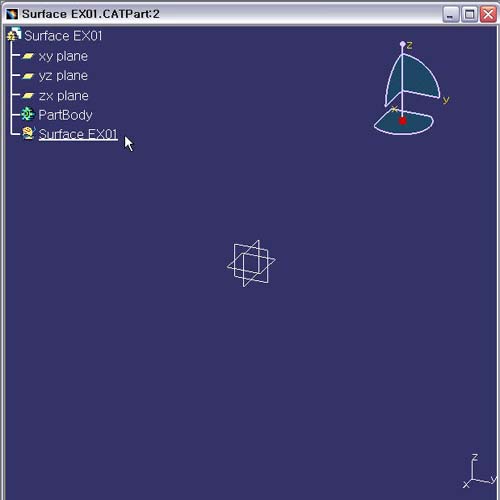
4. Geometrical Set 추가하기
Insert -> Geometrical Set
Geometrical Set에서 마우스 오른쪽 버튼을 눌러
Contextual
Menu의 Properties -> Feature Properties -> Feature
Name
Surface
EX01 -> OK
5. 저장하기
File
-> Save